Statista reports that the iPad was the most popular tablet in the United States in 2024, with more than 40% of Americans owning one. Some households have two or more. That also means plenty of older iPads are sitting unused in drawers, closets, and storage boxes.
Maybe you still have that first-generation iPad from 2010, or an older model you replaced with something newer. Before selling it for a few dollars or letting it collect dust, give it another job. An older iPad can still be useful for plenty of everyday tasks, even if it can no longer keep up with the latest apps.
From a kitchen helper to a digital photo frame, here are 17 practical and fun ways to put an old iPad back to work.
Use It as a Smart Home Controller
An old iPad can make a handy control panel for your smart home. Instead of reaching for your phone every time you want to adjust a device, keep the iPad in one convenient spot.
Depending on your devices and the iPad’s software, you can use apps connected to Alexa, Google Home, or Apple HomeKit. Mount it on a wall or place it on a stand near the main living area for easy access to lights, thermostats, cameras, and other connected devices.
Related: 15 Clever Ways to Hide Valuables Around Your Home
Create a DIY Digital Calendar
Turn the iPad into a shared family calendar that everyone can see. Sync it with Google Calendar, Apple Calendar, or Outlook, then place it somewhere people pass by regularly.
It can be useful for keeping track of school activities, appointments, birthdays, work schedules, and weekend plans. An old tablet can be much easier to check than a paper calendar covered in crossed-out notes.
Make It a Bedside Alarm Clock
Give your nightstand a second life with an old iPad. Set it up as a large digital clock and use an alarm app for your morning routine.
You can also use it to play podcasts, music, or relaxing sounds before bed. Add a weather app, and you’ll have the next day’s forecast ready to check before getting dressed.
Related: 12 Clever Ways to Clean Stubborn Pet Hair from Furniture
Turn It Into a Retro Gaming Console
If you miss the games you played years ago, an older iPad can become a casual gaming device. Depending on the iPad model and operating system, you can use compatible games or emulators such as SNES9X or RetroArch.
Pair the tablet with a Bluetooth controller if your hardware supports one. It won’t replace a modern gaming system, but it can be a fun way to revisit classic titles or keep a collection of older games in one place.
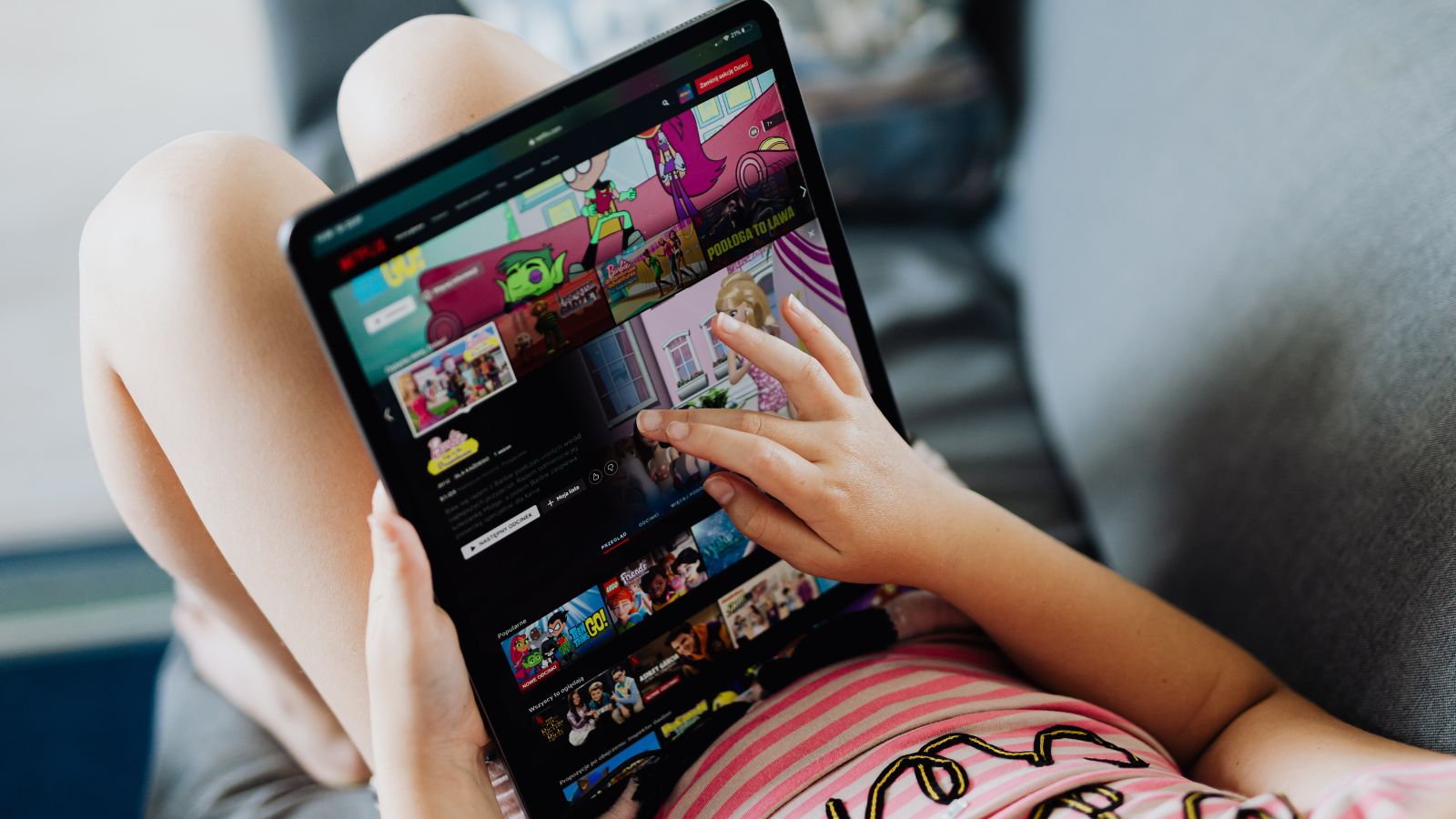
Use It as a Portable Movie Screen
An old iPad can still be useful for watching movies and shows while traveling. Download compatible content before leaving home, then use the tablet as a personal entertainment screen.
For family trips, a properly secured tablet can help keep passengers occupied. Just make sure any mount used in a vehicle is made for that purpose and doesn’t interfere with the driver’s view or controls.
Related: 15 Clever DIY Inventions You Can Make From Everyday Household Items
Turn It Into a Digital Picture Frame
Give your favorite photos a permanent place to be seen by turning the iPad into a digital picture frame. Apps such as LiveFrame or Photo Frame can display a rotating selection of pictures, depending on your iPad’s compatibility.
Set it on a desk, shelf, or side table and fill it with family photos, travel memories, pets, or favorite moments.
Studies show that looking at positive memories can have a favorable effect on mood, which gives this old piece of technology another worthwhile use.
Keep It in the Kitchen
An old iPad can become a dedicated kitchen helper. Use it to pull up recipes, keep a grocery list nearby, watch cooking videos, or play music while you prepare dinner.
A wall or countertop mount can keep the screen visible without taking up much workspace. A protective case is also a smart idea in a room where splashes, flour, and food are common.
Related: 15 Clever Ways to Use Your Swiffer Sweeper Around the House
Give Kids a Learning Device
An older iPad can be useful for educational games, reading apps, and other age-appropriate activities. Load it with apps such as PBS Kids or other programs that work with the device’s operating system.
Keeping a separate tablet for educational activities can also help preserve your newer devices from fingerprints, spills, and accidental drops.
Before handing it over, check the available parental controls and make sure the apps and operating system still receive the level of support you need.
Create a Dedicated E-Book Reader
If you like reading but don’t want your phone buzzing with notifications, give your old iPad a quieter job.
Install compatible versions of Kindle, Libby, Apple Books, or another reading app and use the tablet mainly for books and magazines. Older iPads can make comfortable reading screens, especially when brightness and text settings are adjusted to suit you.
Use It as a Home Security Monitor
An unused iPad can serve as a screen for checking compatible home cameras. Apps such as Alfred or AtHome Camera may work for this purpose, depending on the iPad’s age and operating system.
You could use it to check a pet, watch an entryway, or keep an eye on another area of your home. Just keep in mind that an old iPad shouldn’t be treated as a replacement for a dedicated security system.
Turn It Into a Digital Cookbook
If your recipes are scattered across websites, screenshots, notebooks, and social media posts, bring them together on your old iPad.
An app such as Paprika can help organize recipes and create shopping lists if the version available for your device is supported. Keep the iPad on a stand in the kitchen and you’ll have a searchable recipe collection without filling your counter with cookbooks.
Create a Budget Tracker
Give the old iPad a financial job by turning it into a dedicated budgeting screen. You can use compatible budgeting apps or a spreadsheet to record expenses, bills, savings goals, and monthly spending.
Apps such as Mint or YNAB (You Need A Budget) have offered budgeting tools, though availability can vary by device and operating system. If an older iPad can’t run the latest version, a simple spreadsheet may be all you need.
Use It as a Weather Station
Keep an old iPad near the front door or another easy-to-see location and turn it into a weather screen.
Open a compatible weather app such as The Weather Channel or AccuWeather to check the forecast before heading outside. It’s a small convenience, but having the forecast visible can be handy during rainy seasons, storms, or changing weather.
Turn It Into an Art Studio
Older iPads can make fun digital sketchbooks. If your model supports the apps you want to use, programs such as Procreate or Adobe Fresco can provide plenty of room for drawing and painting.
You don’t necessarily need a professional setup, either. A compatible stylus can make drawing easier, while finger painting can be a perfectly good way to experiment.
Use It as a Workout Buddy
Put your old iPad to work during exercise. Use compatible fitness apps or stream workout videos while following along from a stand or shelf.
Apps such as Nike Training Club or Yoga with Adriene can provide guided routines if they support your device. A larger screen can also be easier to follow than a phone, especially during floor exercises.
Research has found that visual guidance can help people stay engaged with exercise routines, making a dedicated workout screen a useful reason to keep an old tablet around.
Make It a Dedicated Music Station
Turn the iPad into a music-only device and leave your phone free for everything else. Depending on the model and software, you can use services such as Spotify, Apple Music, or Pandora.
Connect it to a Bluetooth speaker or another compatible audio system and keep it in the living room, kitchen, bedroom, or patio. It’s an easy way to give an old tablet a permanent place in your home.
Donate It to Someone Who Can Use It
If you have no use for the iPad, passing it along may be better than letting it sit in a drawer.
Schools, community organizations, charities, and families with limited access to technology may be able to put an older tablet to good use. Before donating it, back up your files, sign out of your Apple account, erase your personal information, and check whether the organization accepts older devices.
Your iPad may be too old for your needs, but that doesn’t mean it has reached the end of its useful life.